






After a fresh installation of Ubuntu desktop, applications run into problem occasionally and error reporting dialog boxes pop-up. By sending the error reports, you can help developers debugging program crashes.

For those who don’t want to see the annoying pop-ups, here’s how to disable Ubuntu Apport error reporting.
1. Open application launcher, search for and launch “terminal”.
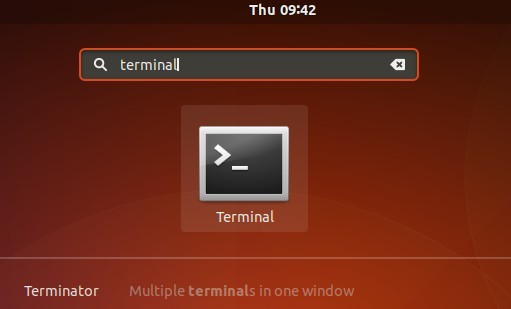
2. When terminal opens, run command to edit the configuration file:
sudo apt-get install gksu && gksudo gedit /etc/default/apport
Input your password (no visual feedback while typing) when it prompts and hit Enter.
3. When the file opens, change the line enable=1 into enable=0 and save it.
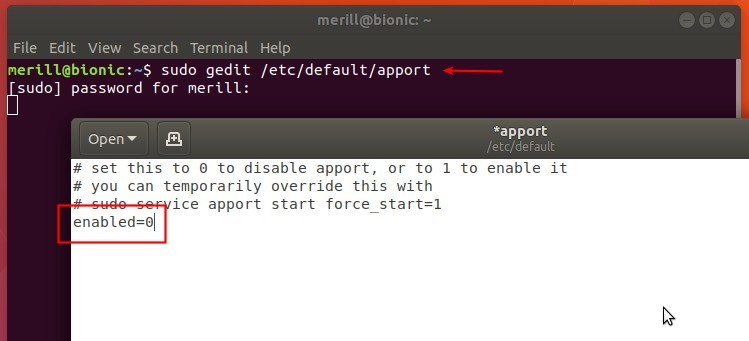
That’s it. Enjoy!
Add Comment