













MATE desktop environment 1.22 was released a few days ago. Here’s how to install it in Ubuntu 18.04 LTS via PPA.
MATE desktop 1.22 release highlights:
- Crazy amount of rework to MATE panel to make it work with Wayland.
- Support for metacity-themes upgraded to version 3 in marco window manager
- Session manager now properly terminates all processes on systemd.
- Fully ported a number of programs to Python 3
- Caja file manager can optionally display desktop notifications
- And plenty of critical bug fixes and under-the-hood improvements
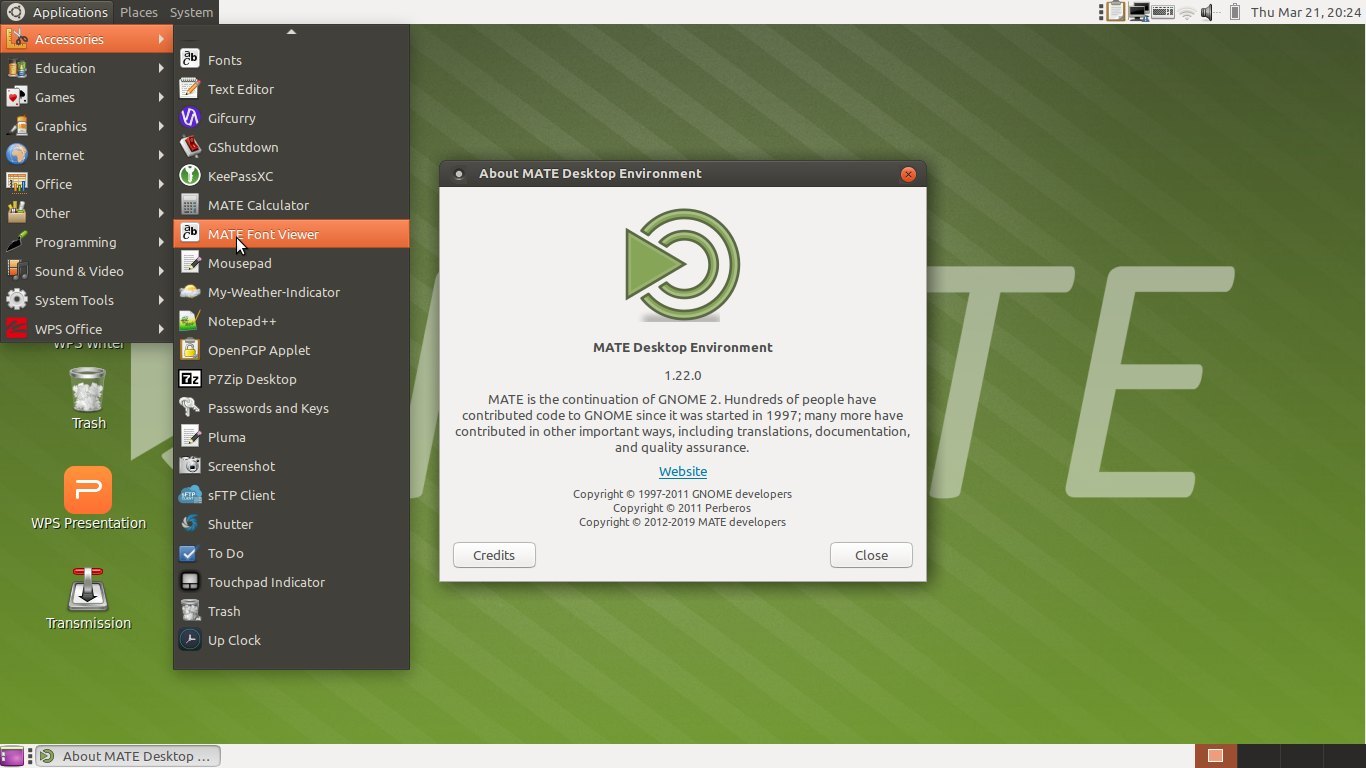
How to Install MATE 1.22 in Ubuntu 18.04:
An unofficial PPA has built the packages for Ubuntu 18.04, so you can install MATE desktop 1.22 via following steps.
1. Add the PPA:
Open terminal by pressing Ctrl+Alt+T keyboard shortcut, or by searching for ‘terminal’ from app launcher. When it opens, run command:
sudo add-apt-repository ppa:jonathonf/mate-1.22
Type user password (no asterisk feedback due to security reason) when it prompts and hit Enter to continue.


2. Install MATE desktop packages:
After adding the PPA, run commands to check updates and install the desktop packages:
sudo apt update
sudo apt install mate-desktop-environment
Once installed, reboot and choose MATE desktop session from login screen.

Uninstall MATE 1.22:
To RESTORE MATE desktop to the original version available in your system repository, run command to purge the PPA:
sudo apt install ppa-purge && sudo ppa-purge ppa:jonathonf/mate-1.22
To completely REMOVE MATE desktop environment, run command:
sudo apt remove --auto-remove mate-* libmate* atril-common caja-common engrampa-common eom-common gir1.2-matemenu-2.0 gir1.2-pluma-1.0 marco-common pluma-common


To remove the PPA repository, go to Software & Updates > Other Software.


Add Comment